
Insights
Straight answers about small-business IT in Dallas
What things cost, what to ask, how to switch providers, how to wire an office and how to keep a dental or law practice out of trouble. Written by the person who does the work.
Results

How much does cybersecurity cost for a 20-person company in Dallas?
Cybersecurity for a 20-person office is not one price. Here are the four layers, what each costs on the vendor's own price list, what a managed IT fee already covers, and what you should never pay extra for.

Google Workspace or Microsoft 365 for a Dallas small business?
Both run a small office well. The right one depends on the software you already rely on, how you share files and who will manage it. Here are the prices, the differences that matter and how the setup works.
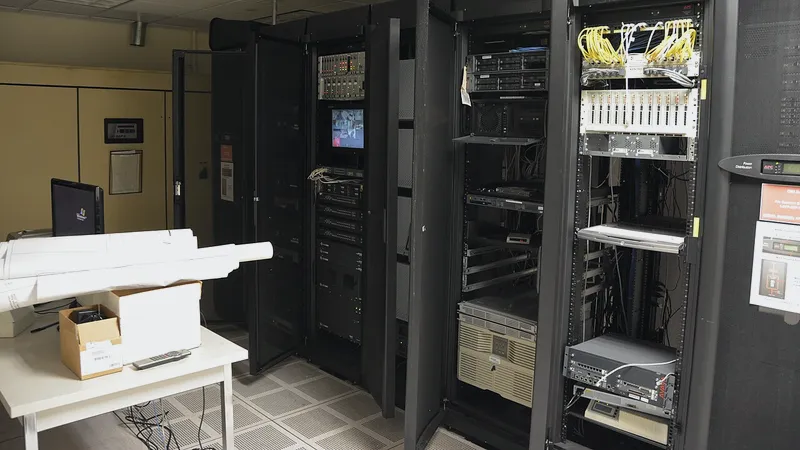
Moving files from an old server to SharePoint and OneDrive in Dallas
What belongs in SharePoint, what belongs in OneDrive and what should not move at all, the Microsoft limits that stop a migration, the seven steps I follow, and how the work is priced.
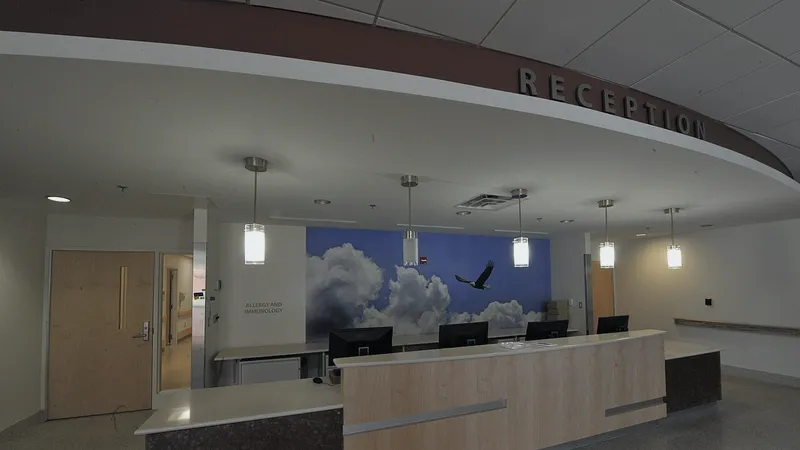
HIPAA IT compliance help for Dallas medical practices: what I do
The IT side of HIPAA for clinics, physician offices, therapy and chiropractic offices: the risk analysis inventory, the technical safeguards, business associate agreements, what the practice keeps on file, and what a review costs.

Cross River Tech vs other Dallas managed service providers
An honest side-by-side by business model: who you deal with, how pricing and contracts work, onsite and after-hours support, what one company covers, when a larger provider is the better choice, and how to compare quotes fairly.
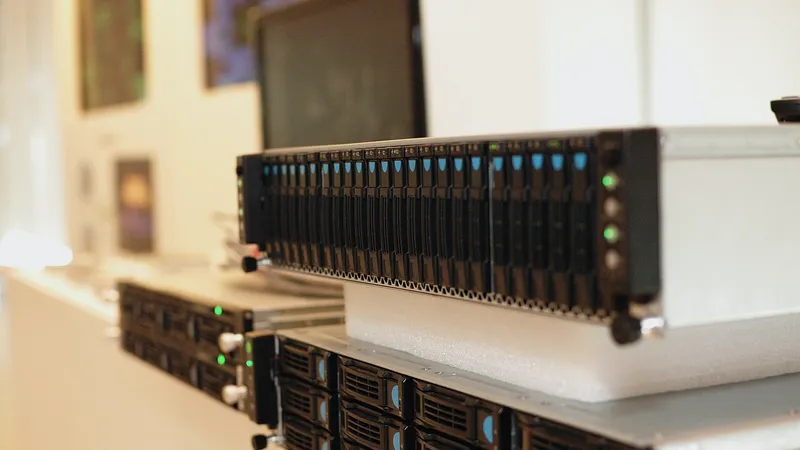
Data backup and disaster recovery for a Dallas small business
What to back up, where the copies should live, why Microsoft 365 needs its own backup decision, how often to back up, how to test a restore, and five questions that show whether your current backup works.
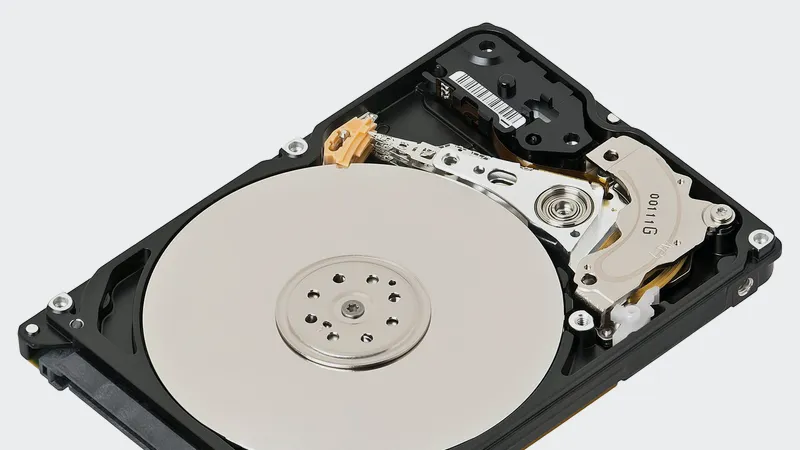
Business computer repair in Dallas: repair, replace or use the warranty?
When a work computer breaks: repair or replace by fault and age, checking the Dell or Lenovo warranty, what repair costs at published hourly rates, retail shop versus IT company, and protecting client data before the machine leaves the office.

How much does IT support cost for a law firm in Dallas?
What small law firms in Dallas typically pay for IT support, what moves the number up or down, what a fair quote includes, and when hourly help is the better deal.

Office computers still on Windows 10? What a Dallas business should do now
Windows 10 no longer gets free security updates. How a Dallas office sorts its computers into upgrade, replace and bridge, what Microsoft's paid Extended Security Updates do and do not cover, and how to do the switch without losing a working day.
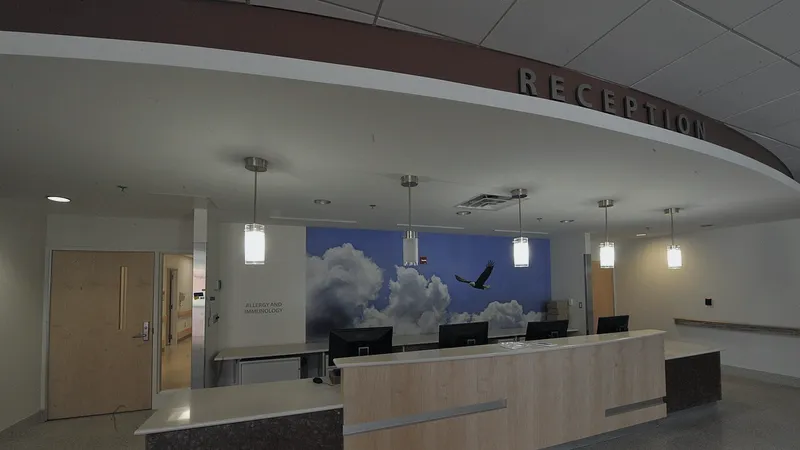
Opening a medical clinic in Dallas: the IT setup checklist
The IT side of opening a medical clinic in Dallas, in the order it has to happen: cabling before the walls close, internet ordered early, the IT room, exam-room computers, EHR, phones, HIPAA safeguards and opening week.
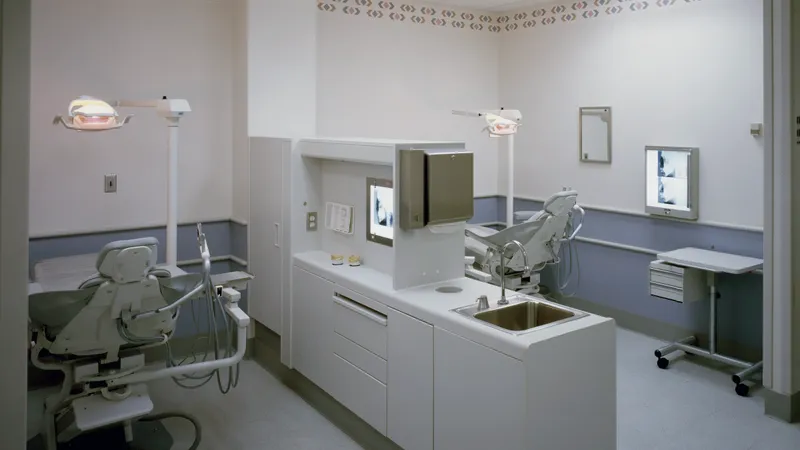
Choosing dental practice management software for a Dallas office
The honest way for a Dallas dental office to pick between Dentrix, Eaglesoft, Open Dental and the cloud versions: server or cloud first, seven questions to ask each vendor, what has to be in place in the office before the software goes in, what the whole bill looks like, and how a switch happens without closing the schedule.

Outsourced IT services for a small business in Dallas–Fort Worth
Outsourced IT services means an outside company runs your IT for a monthly fee per user or per device: updates, security, backups, network, Microsoft 365 and support. For a small office in Dallas, Fort Worth, Irving or Arlington it usually costs less than an IT hire. Below: what is included, typical Dallas pricing, how the metroplex is covered and seven checks before you sign.

Your IT person is retiring: how a Dallas office hands over properly
A friendly exit is a rare gift, and most offices waste it. Here is what a Dallas office should collect while its IT person is still available, the systems administration tips worth asking a retiree for, how long to overlap, and what to verify afterwards.

IT support for hybrid and remote teams in Dallas
Half your people are in the office, half are at a kitchen table. Here is how I support both from Dallas without a ticket queue, and the setup that makes remote work stop being an IT headache.
Have a question these did not answer?
Ask me directly. If it is a good question I will probably write the article.